

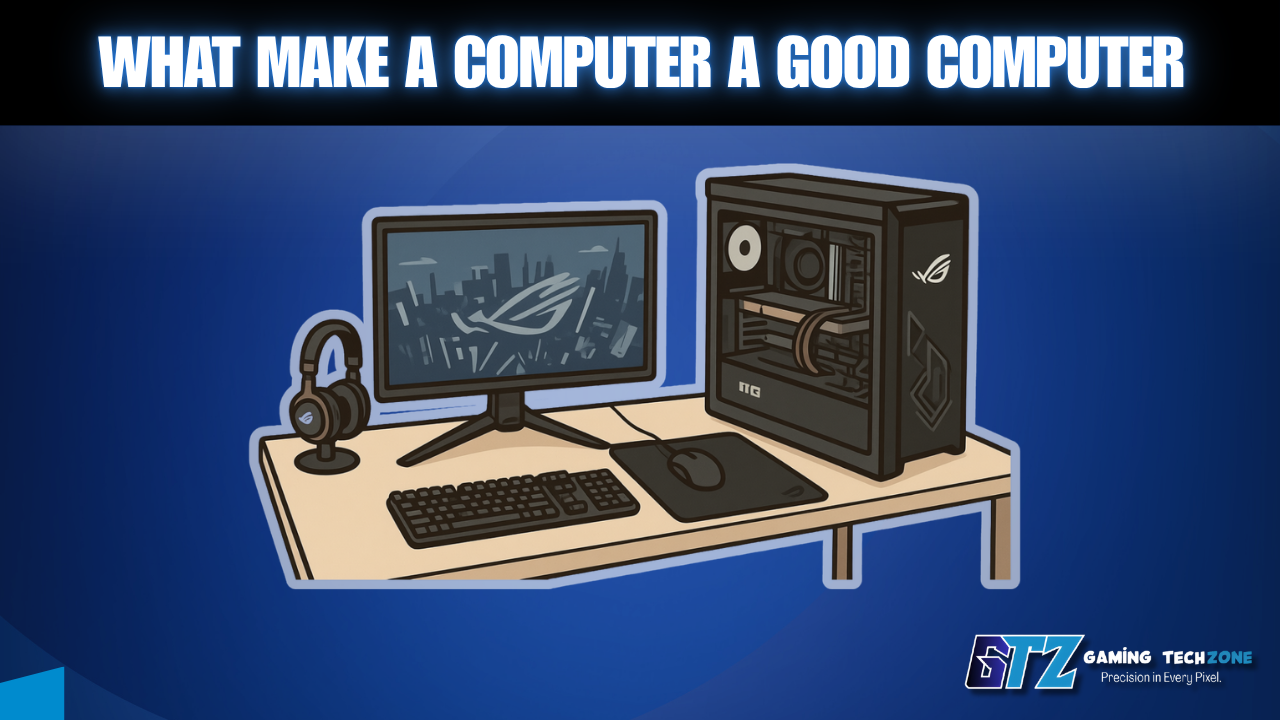
Not all computers are built equal, and if you’ve ever owned a machine that slowed to a crawl within a year of buying it, you already know exactly what that feels like. So what makes a computer a good computer?
It comes down to five core specs working in balance. Get all five right, and your machine handles anything you throw at it. Miss even one, and you’ll feel that bottleneck every single day.
So, what are these factors? In this guide, I have mentioned the 5 factors and explained them to let you know what makes a computer good.
Quick Answer:
A good computer has a balanced CPU, enough RAM, fast NVMe storage, the right graphics capability for your workload, and reliable cooling and power delivery. When these five components work together, the computer feels fast, stable, and lasts longer.
Which Components You Should Consider?
To evaluate the quality of your computer, you should consider the following factors.
- Processor (CPU)
- RAM (amount and generation)
- Storage type and capacity
- Graphics card (GPU)
- Cooling and power supply
What Makes a Computer Good?
Below, I have explained the factors that can help you know what makes a good computer. You have to make sure that you install the best models and versions to enjoy the maximum performance.
1. A Capable Processor (CPU)
The CPU handles every instruction your computer executes. A weak processor creates a bottleneck that no amount of RAM or a fast SSD can fully compensate for—so this is where a good computer starts.
For 2026, here’s what to look for at minimum:
- Everyday use: Intel Core Ultra 5 (200-series) or AMD Ryzen 5 (9000-series)
- Gaming or creative work: Intel Core Ultra 7 or AMD Ryzen 7 9800X3D
- Core count: 6–8 cores covers most users; content creators and streamers benefit from 12+
Before committing to a platform, it pays to understand how to pick a CPU that actually matches your workload. Most buyers overpay for cores they’ll never use.
I recommend you choose the Ryzen 7 9800X3D if your first goal is gaming. I already have this processor, and it is the best choice I have. Here is my detailed review of the Ryen 7 9800X3D.
2. The Right Amount of RAM
RAM is where your computer stores everything it’s actively working on. Too little and programs stutter; too much and you’ve spent money on headroom you won’t touch.
The realistic targets in 2026:
- 8GB: Functional minimum, but it will struggle with more than a few browser tabs
- 16GB: The sweet spot for most users
- 32GB+: Worth it for gaming while streaming, video editing, or heavy multitasking
RAM generation also matters. DDR5 is now the standard on current platforms, offering better bandwidth than DDR4—though RAM prices have risen significantly in 2026, so balance capacity against cost.
3. Fast Storage – NVMe SSD Is Non-Negotiable
Storage type has more impact on how a computer feels day-to-day than almost any other spec. A hard drive (HDD) will make even a powerful CPU feel sluggish; an NVMe SSD makes everything, such as booting, app launches, and file transfers, feel instant by comparison.
What to look for:
- NVMe SSD: The only acceptable choice as your primary drive in 2026
- SATA SSD: Acceptable for secondary storage, noticeably slower than NVMe
- HDD: Fine for cold backup storage only — never as your main drive
Minimum: 500GB NVMe SSD. Realistically, 1TB is where most users should start.
4. A Dedicated GPU (Essential for Gaming and Creative Work)
For browsing, streaming, and productivity, integrated graphics handles things fine. The moment you’re gaming, editing video, or working in 3D software, a dedicated GPU becomes essential, and it’s often the component that makes or breaks a build.
Current entry points for 2026:
- Budget: NVIDIA RTX 5060 / AMD RX 9070
- Mid-range: RTX 5070 / AMD RX 9070 XT
- High-end: RTX 5080 or 5090 for 4K gaming and professional workloads
The GPU is typically the most expensive single component in any build. That’s precisely why building your own PC is often cheaper than buying a prebuilt at equivalent GPU specs. You are not paying the retailer’s assembly margin. Here is our guide to Nvidia vs AMD GPUs for users that are confused about which they should buy.
5. Cooling and Power Supply – The Specs Nobody Talks About Until It’s Too Late
Thermal performance and power delivery determine whether your components run at their rated speeds or throttle to protect themselves. A well-specced build on a weak PSU is an unstable build, and poor airflow silently costs you performance every time you’re under load.
A good computer needs the following:
- CPU temperatures below 85°C under sustained load (replace stock coolers for gaming builds)
- PSU rated 80+ Gold or higher, with at least 20% headroom above your system’s peak wattage draw
- Airflow: At minimum, two intake fans and one exhaust fan in the case
This is the spec combination most buyers skip and often the reason a well-configured build underperforms expectations straight out of the box.
How to Troubleshoot Common Mistakes?
- Prioritizing RAM over the CPU: Adding 32GB of RAM won’t fix a slow processor. A Ryzen 7 with 16GB will consistently outperform a Ryzen 5 with 32GB on most workloads. Balance both instead of over-investing in one.
- Using an HDD as the primary drive to save money: This kills perceived performance faster than any other bottleneck. Budget for an NVMe SSD as the first priority. Everything else is secondary.
- Undersizing the power supply: Insufficient wattage causes system crashes, instability, and in worst cases, hardware damage. Always calculate total system TDP, then add 20% headroom before selecting a PSU.
- Ignoring airflow entirely. A glass-panel case with no intake or exhaust fans turns into an oven under load. A properly ventilated system runs 20–30°C cooler than a poorly ventilated one, and that directly translates to sustained performance.
What would I have done if I had to Choose Specs for My Gaming PC?
- CPU: I’d choose the Ryzen 7 9800X3D because gaming would be my first priority.
- RAM: I’d go with 32GB DDR5 to give myself enough headroom for gaming, multitasking and future workloads.
- Storage: I’d choose a 1TB NVMe SSD as the primary drive rather than using an HDD or SATA SSD.
- GPU: I’d match the GPU to my target resolution. For a gaming-focused build, I’d consider the RTX 5070 or RX 9070 XT for a strong mid-range setup.
- PSU: I’d choose an 80+ Gold PSU with at least 20% headroom above the system’s expected peak power draw.
- Cooling: I’d make sure the CPU stays below 85°C under sustained load and use at least two intake fans and one exhaust fan.
Overall: I’d prioritize balance rather than spending heavily on one component. A fast CPU, adequate RAM, NVMe storage, capable GPU and reliable cooling should all work together without creating an obvious bottleneck.
Common Questions Gamers Also Ask
At minimum: a current-gen Intel Core Ultra 5 or AMD Ryzen 5 processor, 16GB of DDR5 RAM, and a 500GB NVMe SSD. Those three specs cover the vast majority of daily computing tasks without bottleneck.
The CPU, in most scenarios. A fast processor with 16GB of RAM will outperform a slow processor with 32GB on general workloads. Prioritize the CPU first, then balance your RAM around it.
Not for general use. Integrated graphics on modern Intel and AMD chips handles web browsing, streaming, and office apps without issue. A dedicated GPU becomes necessary for gaming, video editing, 3D rendering, or AI workloads.
An NVMe SSD makes the single biggest visible difference to how fast a computer feels day-to-day. It dramatically reduces boot times and app load times compared to any HDD or even a SATA SSD.
For everyday use, 6 cores is sufficient. For gaming, 8 cores is the practical sweet spot in 2026. Content creators, streamers, and 3D artists benefit from 12 or more cores for parallel workloads.
Final Words on What Makes A Computer A Good Computer
A good computer isn’t about having the most expensive parts—it’s about choosing the right components and making sure they work together without bottlenecks. Start with a capable CPU, pair it with 16GB of DDR5 RAM and an NVMe SSD, add a GPU if your workload demands it, and back it all with a quality PSU and proper cooling.
Ready to put this knowledge into practice? Building your own computer from scratch gives you complete control over every component — and consistently gets you more performance per dollar than any prebuilt at the same price point.
